
Windows 11 file recovery options can sometimes leave your deleted files recoverable. Fortunately, Microsoft has introduced a new feature to securely wipe these files.
Understanding Windows 11 File Recovery
As technology evolves, the way we handle data on our devices becomes increasingly important. In Windows 11, file recovery has become a critical aspect, especially for users concerned about their privacy. When you delete files, they may not be entirely gone; instead, they remain recoverable until overwritten by new data. This poses a potential risk for sensitive information.
To address this issue, Microsoft has introduced a feature aimed at securely wiping data from your device. This option ensures that deleted files cannot be easily restored, providing peace of mind for users who prioritize security. However, it is essential to understand the implications of using this feature.
Before opting for secure wipe, consider the following:
- Data Sensitivity: Assess if the files contain any personal or confidential information.
- Backup Options: Ensure you have backups of any important data before proceeding.
- Permanent Deletion: Remember that secure wipe will permanently erase files, making data recovery impossible.
How Deleted Files Can Be Recovered
When files are deleted on Windows 11, they are not immediately removed from the storage device. Instead, the system marks the space they occupied as available for new data. This means that deleted files can often be recovered using various recovery tools, which exploit this temporary unavailability.
Several methods can be employed to recover these files, including:
- File Recovery Software: Tools like Recuva or EaseUS Data Recovery Wizard can scan your drives for recoverable files.
- Backup Solutions: If you have a backup system in place, you may be able to restore deleted files from previous versions.
- Cloud Storage: Files stored in cloud services often have recovery options for deleted documents.
Given that Windows 11 file recovery is possible in many situations, users should be aware of the implications of deleting sensitive information. For those concerned about privacy, understanding secure wipe options becomes essential.
What is Microsoft’s Secure Wipe Option?
Microsoft’s Secure Wipe option is designed to provide users with an enhanced level of data protection when it comes to file recovery in Windows 11. This feature ensures that sensitive information is not just deleted but completely erased from the storage device, making it nearly impossible to recover using conventional recovery methods.
When you utilize the Secure Wipe option, Windows 11 overwrites the data multiple times. This process makes it significantly more difficult for any file recovery software to retrieve the deleted files. The choice to implement this option is particularly crucial for individuals who are concerned about privacy and security, especially when disposing of or selling their devices.
With increasing concerns around data breaches and identity theft, opting for Secure Wipe can offer peace of mind. Users can rest assured that their confidential information is beyond the reach of data recovery tools, reinforcing the importance of considering Windows 11 file recovery options when managing sensitive data.
Pros and Cons of Secure Wipe
When considering the use of Microsoft’s Secure Wipe option in Windows 11 file recovery, it is essential to weigh the pros and cons.
- Pros:
- Enhanced Security: Secure Wipe ensures that deleted files are irretrievable, providing peace of mind for users concerned about privacy.
- Compliance: For businesses, using Secure Wipe can help meet regulatory requirements by ensuring sensitive data is permanently erased.
- Simple Process: The feature is integrated within Windows 11, making it user-friendly for those unfamiliar with file recovery methods.
- Cons:
- Time-Consuming: The secure wiping process can take longer than standard deletion methods, especially for large drives.
- No Recovery: Once files are wiped, they cannot be recovered, which could be a drawback for users who may need those files later.
- Limited to Specific Scenarios: Secure Wipe may not be necessary for all users, particularly those who do not store sensitive information.
User Experiences with Secure Wipe
Users have shared mixed experiences with the Secure Wipe option in Windows 11 file recovery. While some appreciate the added layer of security, others have expressed concerns over its effectiveness and ease of use.
Many users report feeling more confident after using Secure Wipe, stating it offers peace of mind when disposing of sensitive data. They highlight that the process is straightforward, as it guides them through securely erasing files that are typically recoverable after a reset.
However, some users encountered issues during the Secure Wipe process. A few noted that it took longer than expected, leading to frustration. Additionally, there are reports of incomplete wipes, leaving behind traces of deleted files.
- Positive Experiences: Enhanced security, ease of use, peace of mind.
- Negative Experiences: Slow processing times, incomplete file erasure.
Ultimately, user feedback indicates that while Secure Wipe can be a valuable tool for Windows 11 file recovery, it may not be foolproof for everyone.
Alternatives to Secure Wipe
When considering alternatives to Microsoft’s Secure Wipe, users have several options for ensuring their deleted files are truly gone. Each has its own benefits and drawbacks, depending on individual needs and technical expertise.
- File Shredding Software: Various third-party applications can securely erase files by overwriting them multiple times. Programs like CCleaner and Eraser offer customizable settings for file deletion.
- Full Disk Encryption: Enabling full disk encryption prior to file deletion can make recovery virtually impossible. This method protects all data, including deleted files, by encrypting them.
- Cloud Storage Options: Utilizing cloud services that offer file versioning can help manage deleted files more effectively and reduce the risk of unwanted recovery.
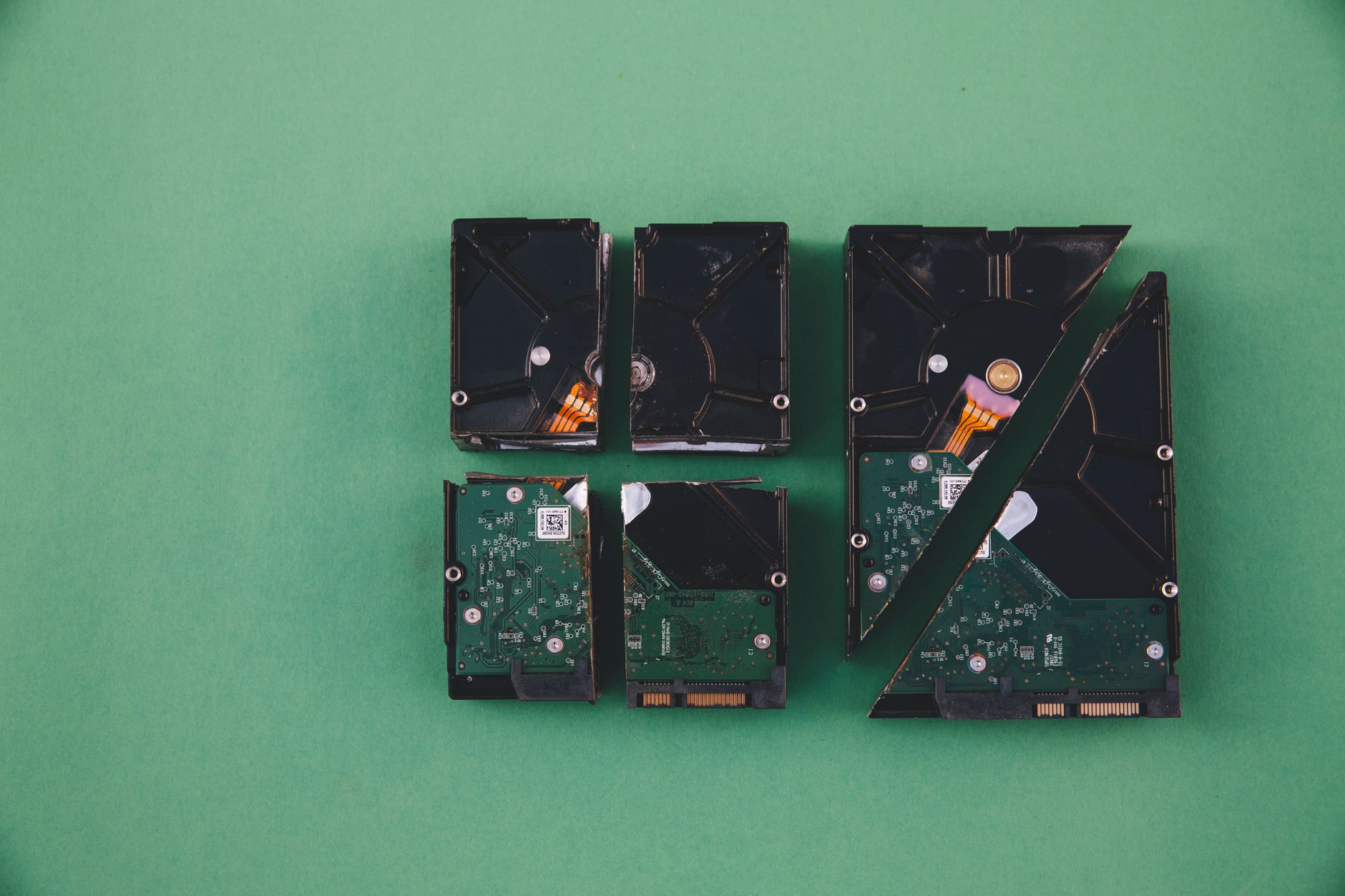
- Physical Destruction: For the most sensitive data, physically destroying the drive is a foolproof method. This extreme option is best for those handling highly confidential information.
Ultimately, the best choice depends on the user’s specific circumstances and their comfort level with technology.
Final Thoughts on Data Security in Windows 11
As technology continues to evolve, so too does the importance of data security, particularly for users of Windows 11. The ability to manage file recovery effectively is crucial, especially when it comes to ensuring that sensitive information is not left vulnerable. The introduction of options like Microsoft’s Secure Wipe provides an additional layer of protection for those looking to erase their data permanently.
However, it’s essential to weigh the benefits against the potential downsides. While Secure Wipe offers peace of mind, users must also consider its impact on system performance and the implications of data loss. Alternatives to Secure Wipe may provide a balance between security and usability, appealing to a broader range of users.
Ultimately, the decision will depend on individual needs and priorities. For those who prioritize data security above all else, embracing features like Secure Wipe in Windows 11 file recovery is a step in the right direction, ensuring that your personal data remains truly deleted when needed.
When considering options for Windows 11 file recovery, it’s essential to evaluate whether secure wipe methods can effectively enhance data protection. Users should carefully weigh the implications of secure wipe on their Windows 11 file recovery capabilities.
Photo by Markus Spiske on Pexels