
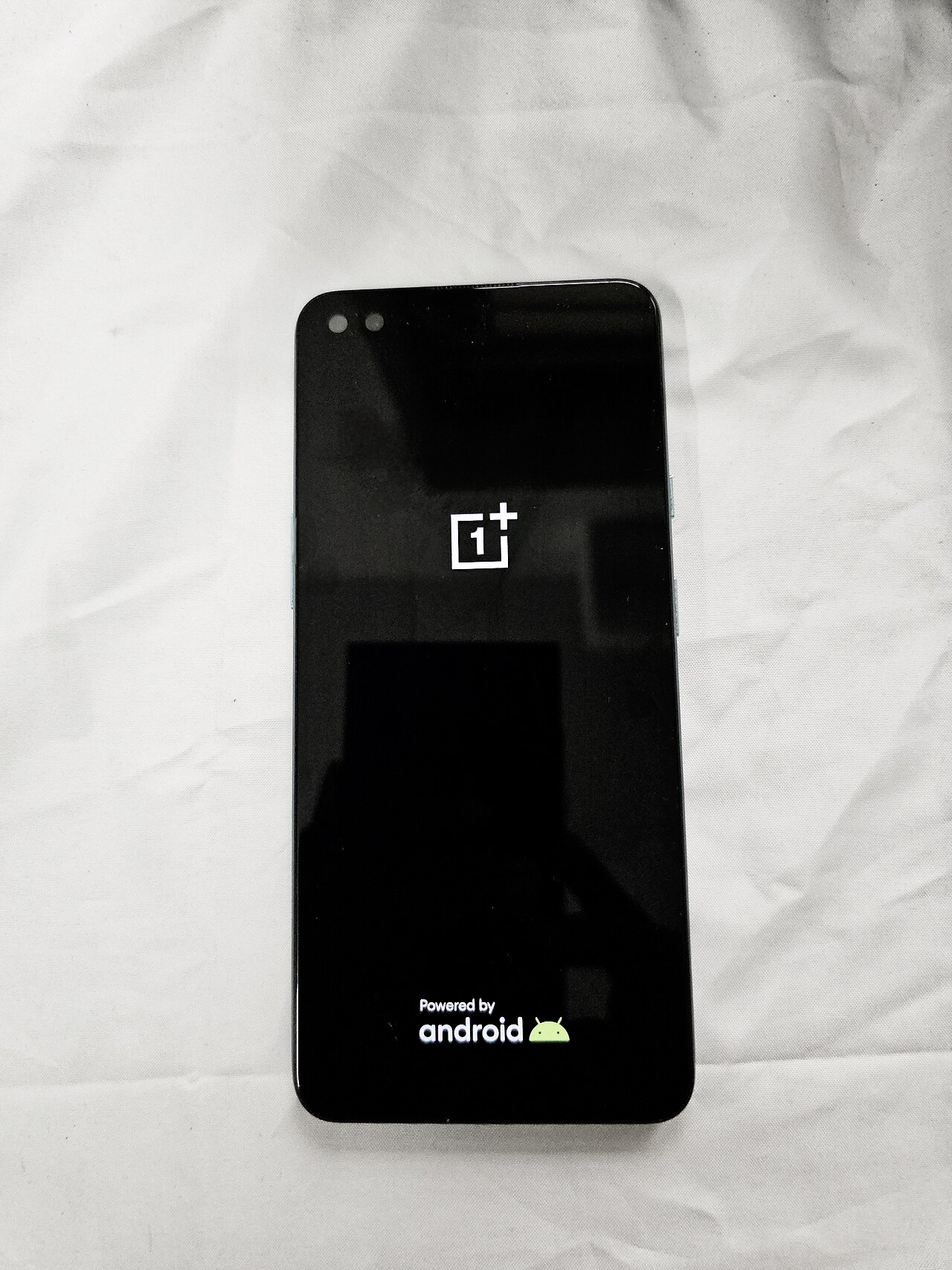
OnePlus Nord 6 update introduces exciting new features with ColorOS 17. Users in India can now enjoy an enhanced interface and improved performance.
Overview of the OnePlus Nord 6 Update
The latest OnePlus Nord 6 update brings significant enhancements to users in India, introducing the highly anticipated ColorOS 17. This stable update not only improves the overall performance of the device but also offers a range of new features that enhance the user experience.
One of the standout aspects of the ColorOS 17 update is its refined user interface, which emphasizes simplicity and ease of navigation. Users can expect smoother transitions and a more intuitive layout, making it easier to access essential functions. Additionally, the update includes enhanced privacy features, allowing users to have more control over their data and app permissions.
Another key improvement is the optimization of battery life. The OnePlus Nord 6 update aims to extend the device’s longevity by implementing smarter power management systems. This ensures that users can enjoy their devices for longer periods without frequent charging interruptions.
Moreover, the update introduces various customization options, enabling users to personalize their devices according to their preferences. With new themes, icon packs, and wallpapers, the ColorOS 17 experience becomes uniquely tailored for each user.
In summary, the OnePlus Nord 6 update marks a significant step forward, bringing together performance, aesthetics, and functionality in one cohesive package.
Key Features of ColorOS 17
The latest update for the OnePlus Nord 6 brings an array of exciting features with ColorOS 17. This new operating system enhances the overall user experience and introduces several functionalities that users will appreciate.
- Refreshed User Interface: ColorOS 17 offers a sleek and modern design, making navigation smoother and more intuitive.
- Improved Performance: The update optimizes system resources, resulting in faster app launches and improved multitasking capabilities.
- Enhanced Privacy Features: Users can now take advantage of advanced privacy settings, ensuring better control over personal data and app permissions.
- AI-Driven Smart Features: The update includes AI capabilities that suggest actions based on user habits, streamlining daily tasks.
- New Customization Options: ColorOS 17 offers a variety of themes and personalization settings, allowing users to tailor their devices to match their style.
- Camera Enhancements: Photography enthusiasts will benefit from improved camera algorithms, enabling better low-light performance and more dynamic range in images.
These features make the OnePlus Nord 6 update to ColorOS 17 a significant upgrade for both new and existing users, enhancing usability and functionality across the board.
User Reactions to the Update
User reactions to the OnePlus Nord 6 update have been largely positive, with many users expressing excitement about the new features introduced in ColorOS 17. Social media platforms are buzzing with feedback, showcasing a mix of enthusiasm and constructive criticism.
Many users have taken to online forums to share their experiences. Some of the standout reactions include:
- Improved Performance: Several users noted that the update has significantly enhanced the device’s speed and responsiveness, making multitasking smoother.
- Customizability: The new customization options offered by ColorOS 17 have been well-received, with users appreciating the ability to personalize their devices.
- Battery Life: Reports of better battery management have surfaced, with users claiming longer usage times between charges.
- Camera Enhancements: The update has also been praised for its camera improvements, with many users noticing better photo quality and new shooting modes.
However, not all feedback has been positive. Some users have encountered bugs and performance issues post-update, prompting discussions about the stability of the new operating system. Overall, the OnePlus Nord 6 update appears to have sparked a lively conversation among its user base, highlighting both the strengths and areas for improvement in ColorOS 17.
How to Install the Update
For users eager to experience the latest features from the OnePlus Nord 6 update, installing the ColorOS 17 stable update is a straightforward process. Follow these simple steps to ensure a smooth transition to the new operating system.
- Backup Your Data: Before proceeding with the installation, it’s essential to back up your important files and data. This precaution will safeguard your information in case of any unforeseen issues during the update.
- Check for Updates: Navigate to Settings on your OnePlus Nord 6. Scroll down to System Updates and tap on it. The system will automatically check for available updates.
- Download the Update: If the ColorOS 17 update is available, you will see a prompt to download it. Make sure you have a stable Wi-Fi connection to avoid any interruptions.
- Install the Update: Once the download is complete, follow the on-screen instructions to install the update. Your device will reboot during this process, so be patient.
- Post-Installation Check: After installation is complete, verify that the update was successful by checking the version in the About Phone section of your settings.
With these steps, you can enjoy everything that the OnePlus Nord 6 update has to offer.
via Wikimedia Commons
References
Related stories
Vivo Pocket Gimbal Camera: Best Features and Proven Specs · GTA 6 First Look: The Real Discovery You Need to See · China satellite launch: Best proven technology advancements